How to Work Out VAT in the UK | Easy Formulas & Examples
Working out VAT in the UK can feel confusing at first, especially for new businesses and freelancers. But once you understand how to work out VAT in the UK using the right rates and formulas, the process becomes simple. VAT, or Value Added Tax, is added to most goods and services. It affects everything from your sales price to your invoices and tax returns.
So, knowing how to calculate VAT correctly saves time and prevents HMRC penalties. Our analysis shows that many small business owners often miscalculate VAT because they apply the wrong rate or forget to remove VAT from gross prices.
Understanding the difference between net, gross, and VAT amounts is the foundation of accurate accounting and is especially important for businesses using the VAT Flat Rate Scheme, where applying the correct flat rate ensures compliance and avoids errors.
According to vatukcalculator.com, even a small mistake in VAT math can affect your cash flow and compliance. That’s why using simple formulas or a trusted online VAT Calculator helps keep your records error-free. Whether you’re adding VAT to a product price or removing it from a client invoice, the math stays consistent.
What VAT (Value Added Tax) Is in the UK
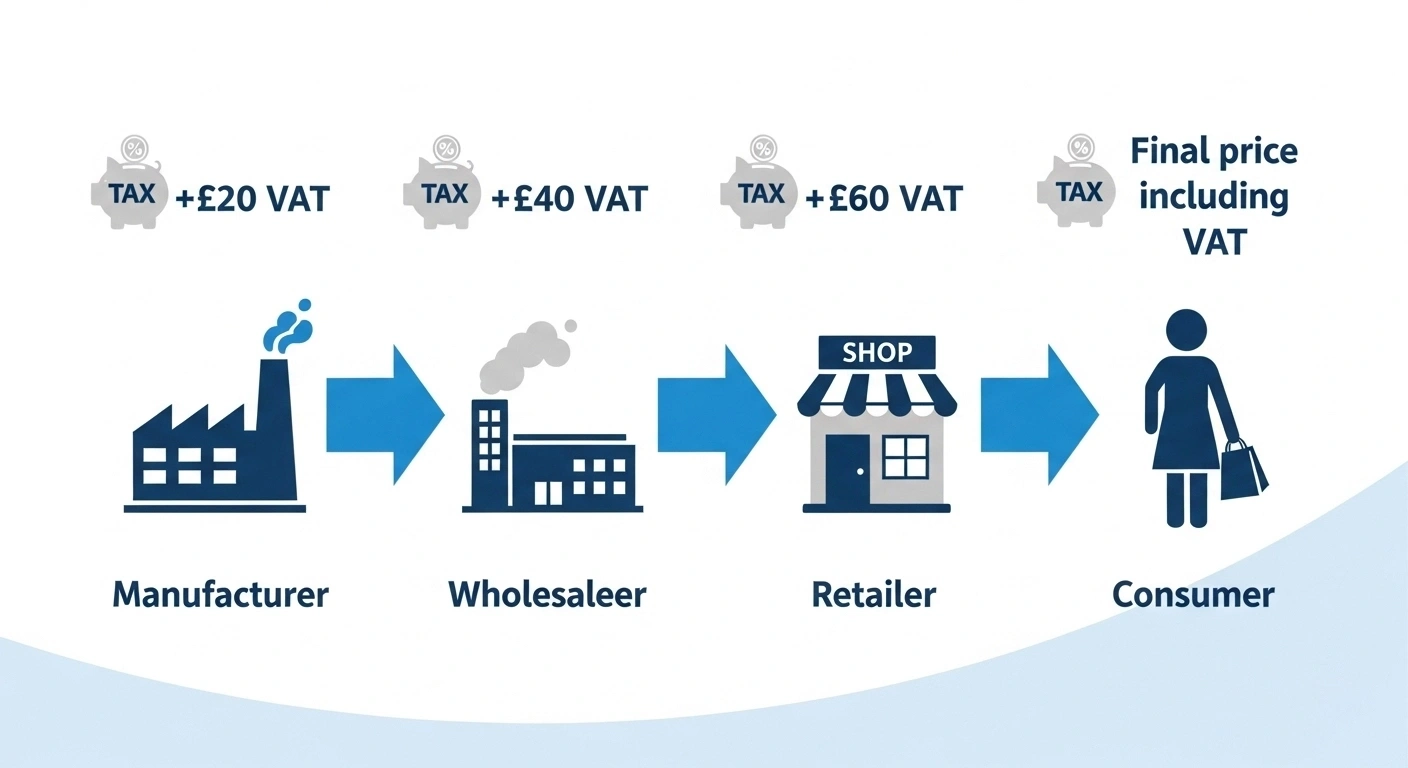
VAT is a tax added to most goods and services in the UK. Businesses collect it on behalf of the government and pay it to HMRC. The tax is charged at different rates, depending on the type of product or service. VAT was first introduced in 1973, replacing Purchase Tax as the UK’s main consumption tax. Knowing these basics is essential if you want to understand how to claim a VAT refund in the UK, ensuring you reclaim the correct amount on eligible purchases.
Why VAT Matters for Businesses, Freelancers, and Consumers
-
Businesses need to charge VAT correctly on sales and claim back VAT on purchases. Mistakes can lead to penalties.
-
Freelancers often cross the VAT threshold and must register, invoice clients correctly, and file returns.
-
Consumers pay VAT on almost every purchase, from food to electronics, so it directly affects prices.
Our analysis shows that most small businesses struggle with the same issue: not knowing whether to charge a standard, reduced, or zero rate. That’s where clear guidance makes a difference.
Quick Note: Compliance with HMRC VAT Rules
HMRC sets strict rules on VAT rates, invoicing, and record-keeping. Staying compliant avoids fines and ensures smooth cash flow. According to vatukcalculator.com, keeping accurate VAT records is as important as calculating the tax itself.
How This Guide + VAT Calculator Will Help You Work Out VAT in the UK
This guide simplifies VAT with formulas, examples, and a step-by-step approach. Alongside, our VAT Calculator makes the process faster by doing the math instantly. It helps check net, gross, and VAT amounts without confusion.
To learn the correct steps, visit How to Use the VAT Calculator UK for a simple walkthrough that shows exactly how the tool works.
UK VAT Rates 2025
Current VAT Rates
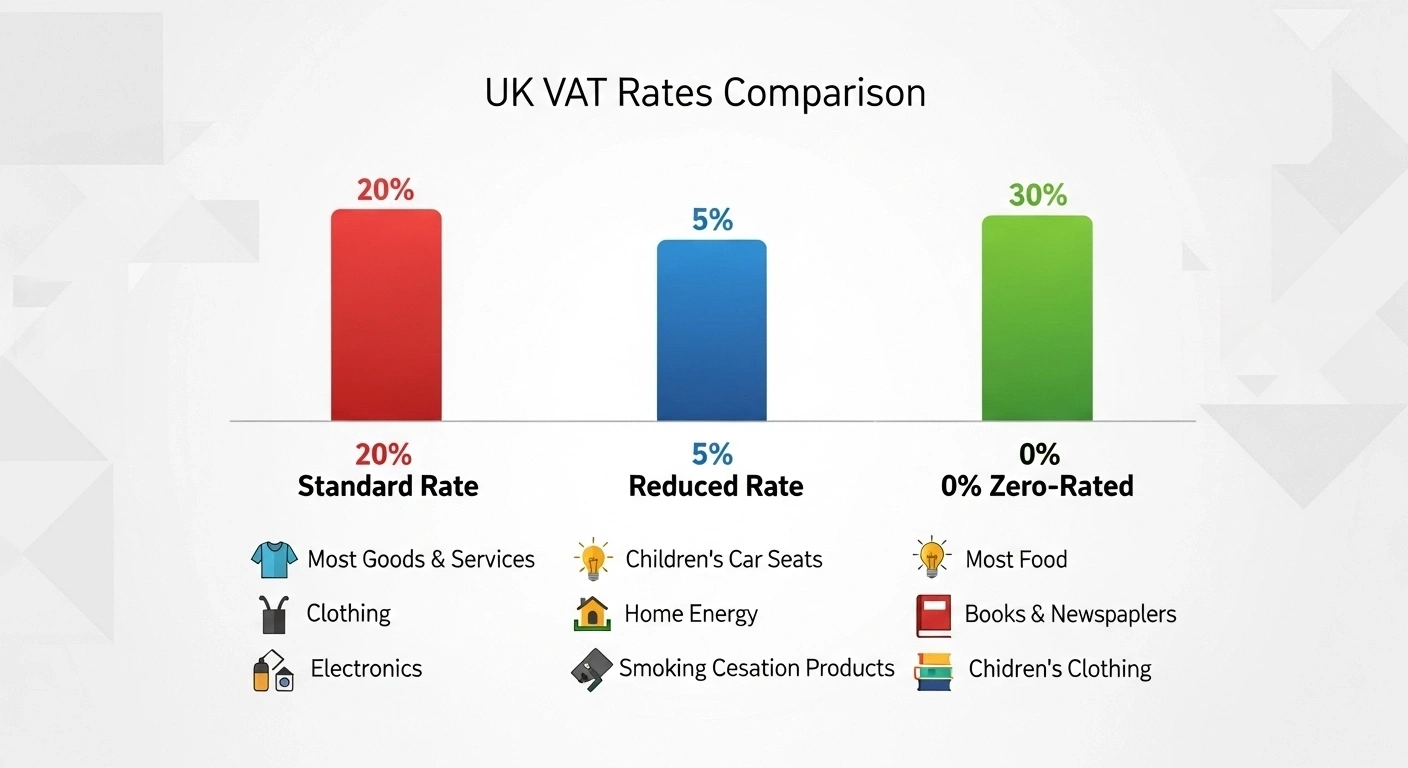
VAT in the UK is charged at three main rates. Knowing which rate applies helps you calculate the correct tax and stay compliant.
-
Standard Rate (20%) – Applies to most goods and services, including electronics, clothing, and professional services.
-
Reduced Rate (5%) – Used for specific items such as home fuel, children’s car seats, and certain health-related products.
-
Zero Rate (0%) – Covers essentials like most food, children’s clothing, books, and exports. Although the rate is 0%, businesses still need to record these sales in VAT returns. Some items, like motorcycle helmets and exports outside the UK, are also zero-rated under HMRC rules.
Understanding these rates is essential for anyone who wants to know how much VAT is in the UK and apply it correctly to purchases, invoices, or services.
VAT Registration and Thresholds
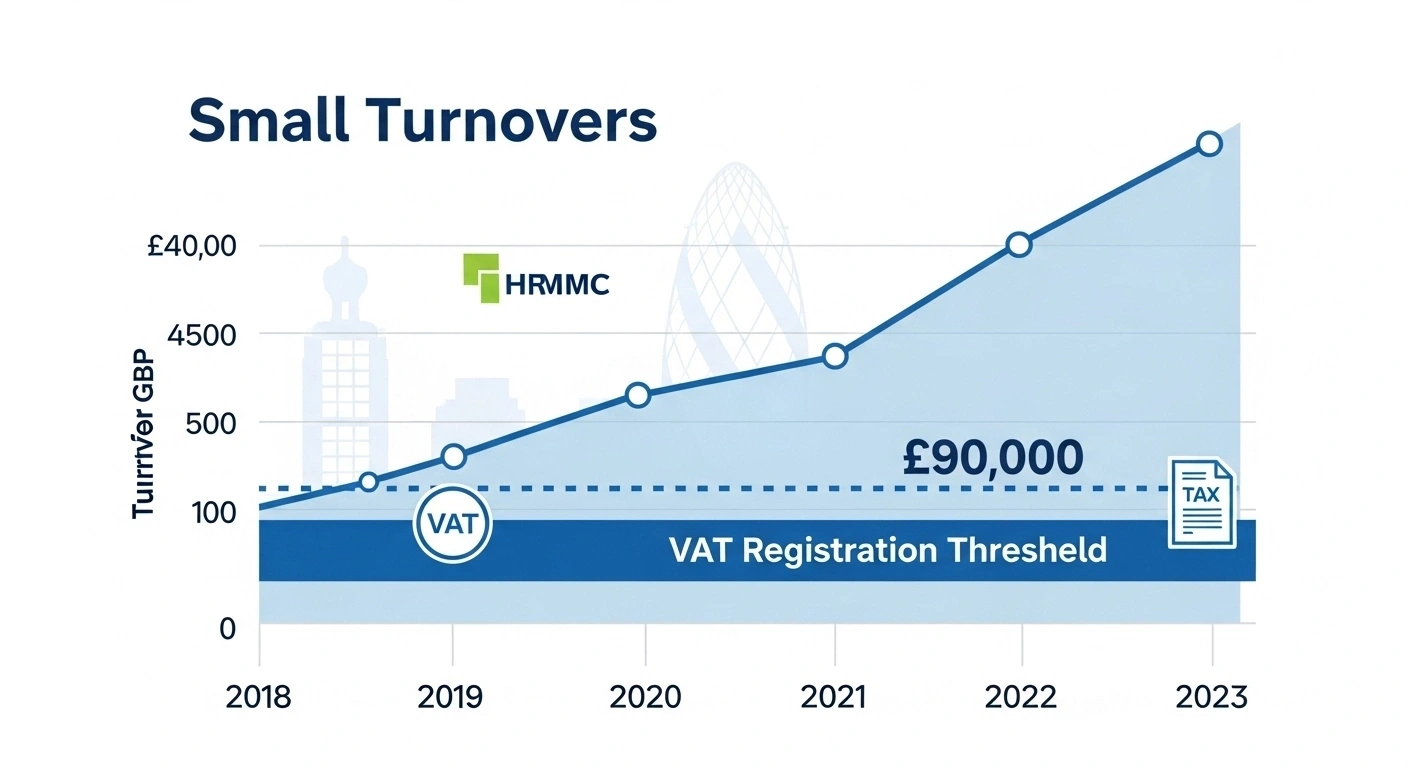
2025 Registration Threshold: £90,000 Turnover
In the UK, you must register for VAT if your taxable turnover goes above £90,000 in 12 months. This threshold was updated for 2025, and it applies whether you are a sole trader, freelancer, or limited company.
Who Needs to Register for VAT
-
Businesses whose turnover passes the £90,000 mark.
-
Freelancers and contractors working with VAT-registered clients.
-
Voluntary registration is also possible if your turnover is below the threshold. Many choose this to reclaim VAT on business purchases.
Consequences of Not Registering on Time
Failing to register with HMRC once you cross the threshold can lead to:
-
Backdated VAT payments.
-
Late registration penalties.
-
Interest on unpaid VAT.
VAT registration is required if your turnover passes £90,000, even if reached gradually over 12 months.
Based on our findings, many small businesses delay registration, assuming HMRC won’t notice. In reality, HMRC uses digital records to track turnover, making late registration a costly mistake.
Importance of Issuing Correct VAT Invoices
Once registered, you must issue VAT invoices that meet HMRC rules. These invoices need details like your VAT number, VAT rate applied, and net plus gross amounts. According to vatukcalculator.com, errors in invoices are one of the top reasons businesses face compliance checks.
👉 Staying on top of registration and invoicing ensures you stay compliant, avoid penalties, and keep healthy relationships with both customers and HMRC.
How to Work Out VAT in the UK Using Formulas
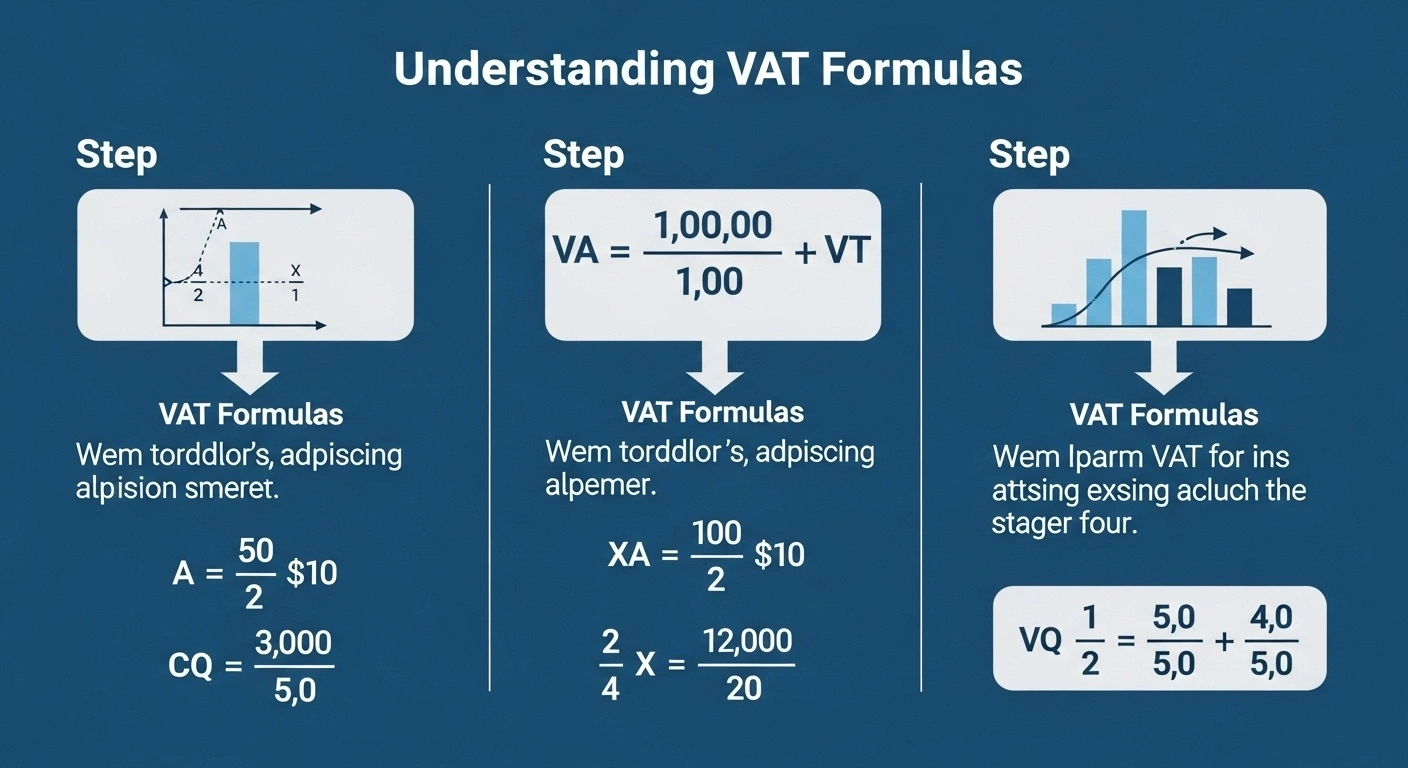
Working out VAT in the UK comes down to three core formulas. Whether you’re adding VAT to a net price, removing it from a gross price, or calculating the VAT portion only, these steps keep the process simple.
Add VAT (Net → Gross)
Example:
-
Net Price: £100
-
VAT Rate: 20%
-
Calculation: £100 × 1.20 = £120
-
VAT Added: £20
Remove VAT (Gross → Net)
Example:
-
Gross Price: £120
-
VAT Rate: 20%
-
Calculation: £120 ÷ 1.20 = £100
-
VAT Removed: £20
How to Calculate VAT Amount Only
Example:
-
Net Price: £200
-
VAT Rate: 20%
-
Calculation: £200 × 0.20 = £40
Therefore, the VAT amount is £40, and the total price would be £ 280. See full VAT formulas on our VAT Calculator UK
Quick Comparison Table
Summary
- Add VAT when you start with net.
- Remove VAT when you have the gross.
- Multiply net × rate for VAT only.
| Calculation Type | Formula | Example (20% VAT) | Result |
|---|---|---|---|
| Add VAT | Net × (1 + Rate) | £100 × 1.20 | £120 (Gross) |
| Remove VAT | Gross ÷ (1 + Rate) | £120 ÷ 1.20 | £100 (Net) |
| VAT Only | Net × Rate | £200 × 0.20 | £40 (VAT) |
Step-by-Step Examples of VAT Calculations
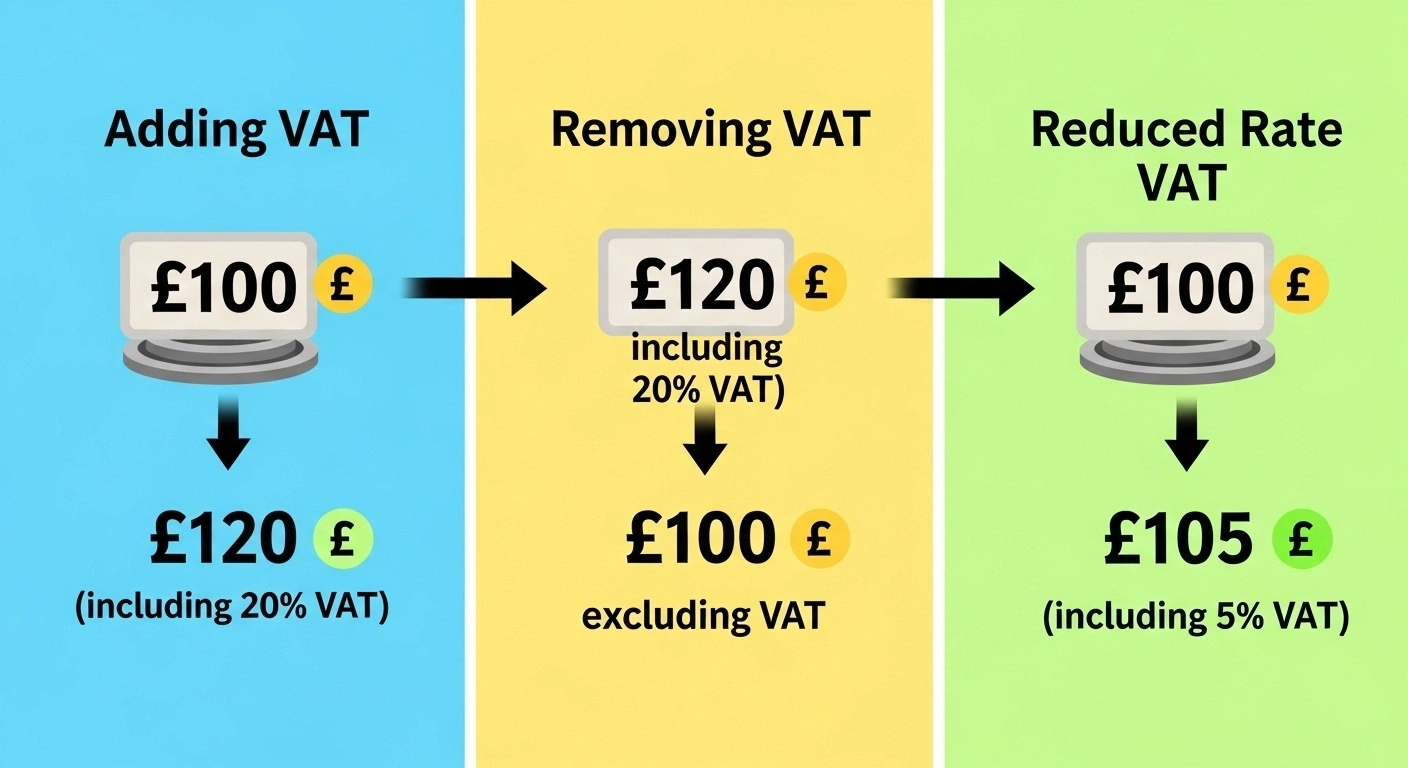
Example 1: Adding VAT on a Retail Product (20%)
-
Net Price (before VAT): £50
-
VAT Rate: 20% (Standard)
-
Step 1: Multiply net by 1.20 → £50 × 1.20 = £60
-
Step 2: VAT Added = £10
👉 A £50 retail product becomes £60 after VAT.
Example 2: Removing VAT from a Service Invoice
-
Gross Invoice (including VAT): £240
-
VAT Rate: 20% (Standard)
-
Step 1: Divide gross by 1.20 → £240 ÷ 1.20 = £200
-
Step 2: VAT Portion = £40
👉 The service net value is £200, with £40 VAT charged.
Example 3: Reduced Rate Goods (5%) – Children’s Car Seat
-
Net Price (before VAT): £100
-
VAT Rate: 5% (Reduced)
-
Step 1: Multiply net by 1.05 → £100 × 1.05 = £105
-
Step 2: VAT Added = £5
👉 A children’s car seat priced at £100 will cost £105 including VAT.
Example 4: Zero-Rated Item (Food Export)
-
Net Price: £200
-
VAT Rate: 0% (Zero-rated)
-
Step 1: Multiply net by 1.00 → £200 × 1.00 = £200
-
Step 2: VAT Added = £0
👉 Zero-rated goods, like food exports, stay at £200.
Quick Comparison Table of VAT Examples
Summary
- Standard rate adds the most impact (20%).
- Reduced rate applies to essentials (5%).
- Zero-rated goods remain unchanged but must still be declared.
| Example Type | Net / Gross Input | VAT Rate | VAT Amount | Final Price |
|---|---|---|---|---|
| Retail Product (Add VAT) | £50 (Net) | 20% | £10 | £60 (Gross) |
| Service Invoice (Remove VAT) | £240 (Gross) | 20% | £40 | £200 (Net) |
| Reduced Rate Goods | £100 (Net) | 5% | £5 | £105 (Gross) |
| Zero-Rated Item | £200 (Net) | 0% | £0 | £200 (Gross) |
Using a VAT Calculator Online (Practical Guide)
Summary
- VAT calculators reduce errors and save time.
- Step-by-step use makes them ideal for freelancers and businesses.
- Calculation history supports HMRC compliance.
- Manual methods still help in training and verification.
Benefits of Using a VAT Calculator vs Manual Calculation
Our analysis shows that many small businesses and freelancers prefer VAT calculators because they make how to work out VAT in the UK faster and more accurate.
-
Save time – no need to remember formulas.
-
Reduce errors – automatic rounding and accurate outputs.
-
Handle different rates – standard (20%), reduced (5%), or zero (0%) instantly.
-
Improve compliance – consistent calculations for invoices and VAT returns.
According to vatukcalculator.com, using online tools is one of the best ways to avoid HMRC disputes caused by manual errors.
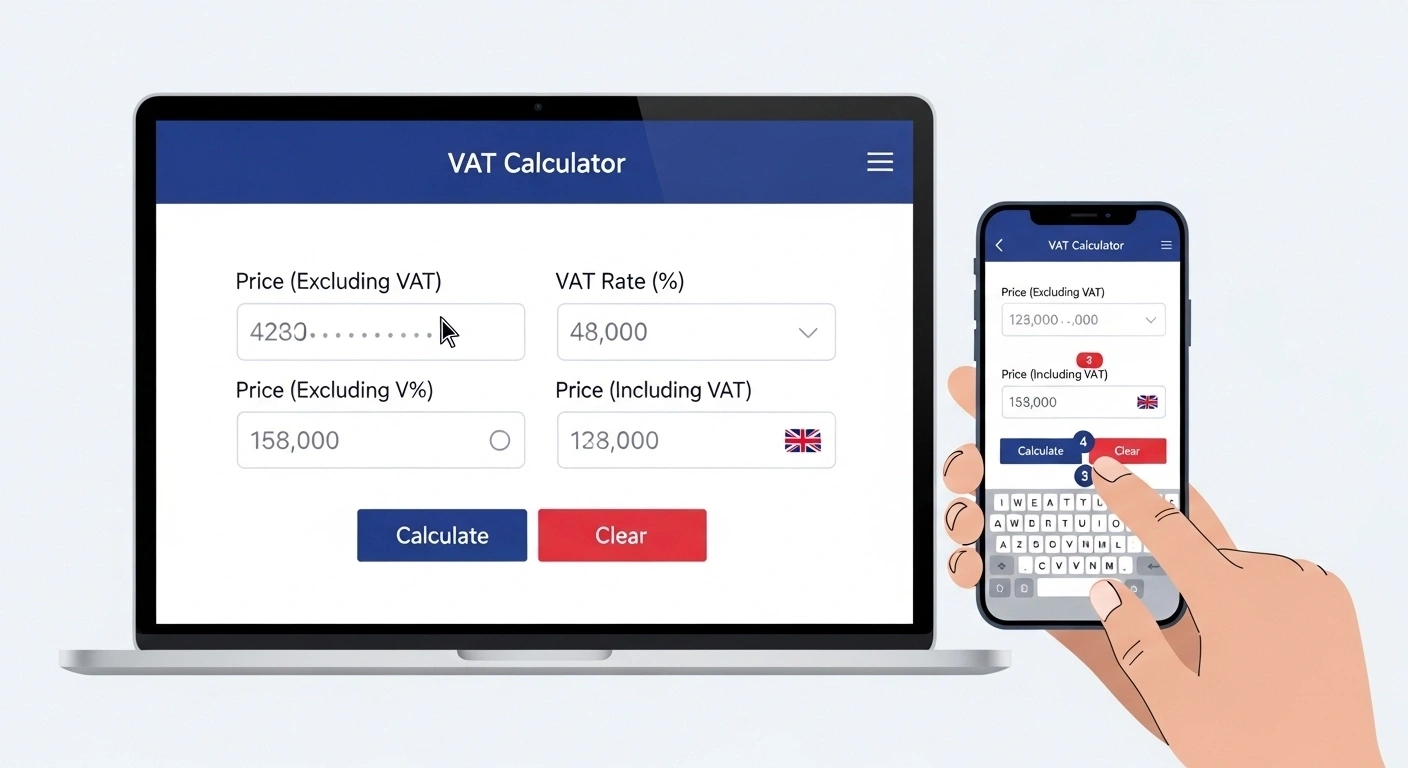
How to Use Our VAT Calculator (Step-by-Step)
-
Enter Amount – Input either the net or gross value.
-
Select VAT Rate – Choose 20%, 5%, or 0%. A custom option is also available.
-
Choose Action – Click “Add VAT” or “Remove VAT.”
-
Get Instant Result – The tool displays net, VAT amount, and gross clearly.
👉 Example: Enter £100, choose 20%, click “Add VAT.” Output = Net £100, VAT £20, Gross £120.
Calculation History & Record-Keeping for Businesses
-
Keep track of past calculations.
-
Export records for accounting software.
-
Simplify VAT expense claims during returns.
For compliance, HMRC encourages digital VAT records, and an online calculator helps maintain this easily.
When to Use Manual Formulas vs Online Tools
-
Manual formulas are useful for quick mental checks or spreadsheets.
-
VAT calculators are best when accuracy, speed, and record-keeping matter.
👉 Our findings show that businesses often use both methods for accuracy and verification.
Conclusion
Working out VAT in the UK doesn’t need to be confusing. With the right formulas and tools, you can calculate net, gross, and VAT amounts in seconds. Businesses, freelancers, and consumers all benefit when VAT is applied correctly.
Our analysis shows that errors usually come from misapplied rates or poor record-keeping—not the math itself. That’s why tools like VATUKCalculator.com matter. They save time, reduce mistakes, and keep you aligned with HMRC rules.
According to Mirza Shafique, clear VAT practices build trust with both clients and tax authorities. Whether you calculate manually or use an online calculator, accuracy is key.
👉 Stay consistent, apply the right rate, and keep proper records. That’s the simplest way to stay compliant and avoid costly penalties.
Key Takeaways
- Use these three formulas whenever you need to know how to work out VAT in the UK with accuracy.
- Manual methods are useful, but an online VAT Calculator is faster, accurate, and error-free.
- Compliance with HMRC is vital for every business to avoid penalties and keep records clear.